 Polski
 English
 Українська
 Deutsch
 Español
 Türkçe
 Português (BR)
 Français
 Čeština

-
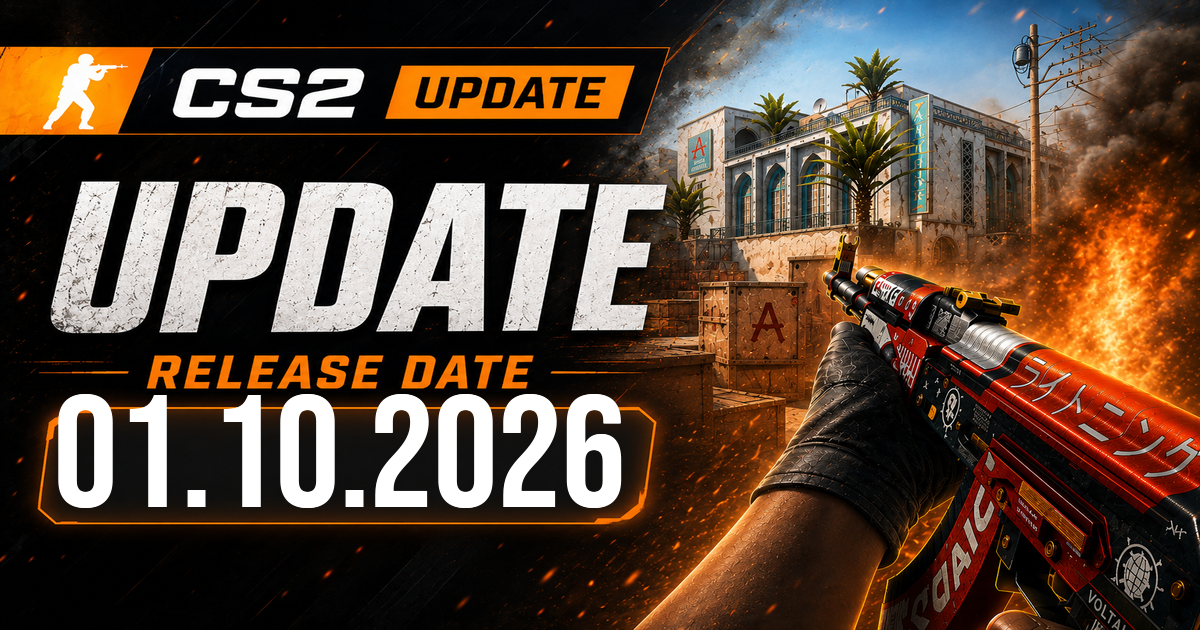
October 1, 2026 CS2 Update: Crosshair Tools Expanded and Rush Maps Fixed
Valve used this Counter-Strike 2 update to clean up two specific areas: Rush map clipping and crosshair customization. The bigger change is clearly on the HUD side. Players now get more control over crosshair behavior, better feedback for inaccuracy and spread, a new style called Static Quadrant, and even grenade crosshairs during freeze time for lining up insta-smokes.
Counter-Strike 2 update focuses on crosshair usability
The main story in this Counter-Strike 2 update is the crosshair menu. Valve fixed the visualization of weapon inaccuracy and spread, which matters more than it might seem at first glance. If you spend any time tweaking rifle settings, especially for AK and M4 spray feel, bad visual feedback can throw off the whole setup. The point of a crosshair is simple: it should tell you what your gun is doing. If that display is off, even slightly, you end up tuning against the wrong information.
Valve also added an outline color option. It is a small change, but a useful one. Anyone who plays against bright backgrounds, pale walls, or busy textures knows the problem. A white or light crosshair can disappear quickly on maps with harsh lighting. Now players can separate crosshair color from outline color and make the center stand out without rebuilding the whole setup.
The new style, Static Quadrant, is the kind of addition that will probably split opinions. Some players stick to classic static and never touch anything else. Others spend half an hour in settings after every update. Static Quadrant gives one more option for people who want a cleaner look with a distinct shape. It is not a game changer on its own, but CS players obsess over tiny visibility details for a reason. If your crosshair feels readable in a fast peek, you keep it.
One of the more practical additions is grenade crosshairs in freeze time. To trigger them, you just hold any grenade attack button. That helps with insta-smokes, especially in pugs and set executes where players want a lineup ready before the round opens. It saves a bit of friction. Instead of fiddling with timing after the barrier drops, you can prep the visual reference immediately.
From my experience, these are the changes players notice in the first few rounds. Not glamorous, but useful.
More control for people who fine-tune every setting
Valve also loosened some restrictions inside the classic dynamic crosshair style. Players can now use negative gaps, which opens up more custom looks for those who want tighter spacing or unusual dynamic behavior. This will mostly matter to players who already use console commands or share specific crosshair codes with teammates, but that crowd is large in CS. A lot of competitive players copy settings the same way they copy jump binds or viewmodel tweaks.
Another small but smart adjustment: the classic dynamic crosshair alpha now changes in 0.01 increments. That is a precision update. Casual players may never touch it, but anyone who likes to shave settings down to exact values will appreciate it. CS has always attracted people who want their HUD to feel just right. This fits that culture perfectly.
Valve also updated the crosshair share code format. Scope dot scale and color preferences now get included, which makes the code more complete than before. That matters because crosshair codes are how settings spread through the community. A player sees a setup on stream, grabs the code, pastes it in, done. If key scope dot preferences were missing, the imported result was not truly identical. Now it is closer.
There is one catch, though: because Valve expanded what the code stores, the format had to change. Older habits around sharing and saving crosshair strings may need a quick adjustment. That is normal. When developers pack more variables into a share system, compatibility gets messy unless they revise the format.
For people who use the AWP, Scout, or AUG/SG scope settings seriously, this is one of the more useful parts of the patch. It removes guesswork when importing someone else's config.
Rush maps get clipping fixes
Outside the crosshair work, Valve made various clipping fixes in Rush maps. It is a short line in the update notes, but it still matters. Clipping bugs can mess with movement, grenade paths, off-angles, and weird boosts. Sometimes they are minor and you barely notice. Other times a player catches on a corner, loses speed in a rotate, or gets blocked on geometry they should clear cleanly.
Because Valve only described these as various clipping fixes, there is not much more to read into here, and there is no reason to invent examples that were not listed. The important bit is straightforward: Counter-Strike 2 update maintenance work continues on the Rush map set, and Valve is still sanding down rough spots that affect movement and collision.
That makes this patch a pretty focused one. Most players will remember it for the crosshair options, not the map fixes, and that feels right. The Counter-Strike 2 update does not touch weapons, economy, or active duty maps, but it does improve the part of the game you stare at every round: the center of your screen.
Full changelog (Valve patch notes)
[ MISC ]
-
Various clipping fixes in Rush maps [ CROSSHAIR ]
-
Fixed visualization of weapon inaccuracy + spread
-
Added crosshair outline color option
-
Added a new style "Static Quadrant"
-
Enabled grenade crosshairs in freeze time for insta-smokes (just hold any grenade attack button)
-
Allowed negative gaps for classic dynamic crosshair style
-
Changed the classic dynamic crosshair alpha increments to 0.01
-
Scope dot scale and color preferences are now included in the new crosshair share code
-
Changed the format of the crosshair share code to accommodate newly included crosshair settings