 Polski
 English
 Українська
 Deutsch
 Español
 Türkçe
 Português (BR)
 Français
 Čeština

-
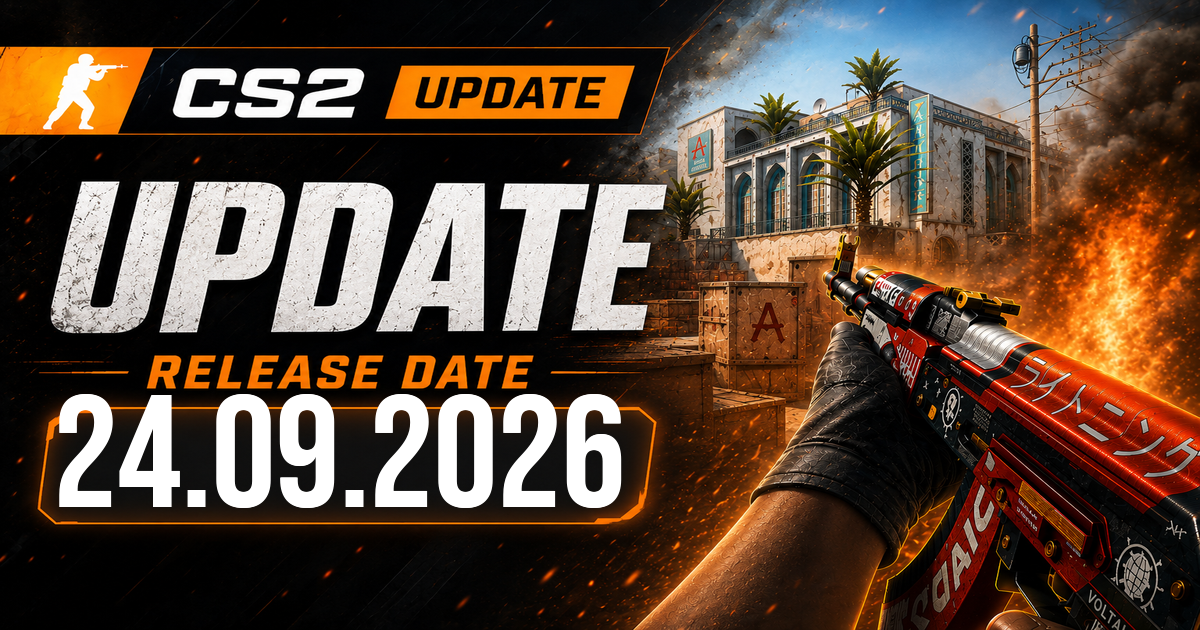
Counter-Strike 2 update from September 24, 2026: Rush timers trimmed, crosshairs get pixel controls
Valve's September 24, 2026 Counter-Strike 2 update is a practical one. It tightens match flow in RUSH, expands the new crosshair system with more precise options, and fixes a few reload animation bugs that players actually notice mid-round.
This is not a massive balance patch. It is more about cutting friction: less waiting, clearer crosshair behavior, and fewer odd visual hiccups during reloads. For regular CS2 players, that still makes it a worthwhile update.
Counter-Strike 2 update speeds up RUSH and fixes edge cases
The biggest gameplay-facing changes in this Counter-Strike 2 update land in RUSH. Valve increased the maximum countdown-after-elimination time from 7 seconds to 14 seconds on end rooms and Convoy. That may sound backwards if you only look at the number, but the rest of the patch makes the mode move faster where it tends to slow down.
Once all players connect, warmup ends sooner. Freeze time is shorter too, as is technical timeout time. In practice, that means less dead air between fights. If you have been grinding quick sessions, you will feel that almost immediately.
Valve also fixed a specific edge case: the countdown-after-elimination timer now does not trigger when an entire team dies through suicides, team kills, or disconnects. That removes some strange round endings and stops the mode from treating a non-standard wipe like a normal elimination.
On top of that, Valve shipped various gap fixes and clipping adjustments in RUSH. There is no detailed map-by-map breakdown here, but these changes usually target small spots where players can get stuck, peek through bad seams, or interact with geometry in ways they should not.
Crosshair settings now make more sense
The other major part of this Counter-Strike 2 update is the crosshair system. Valve added more explanation around how the new setup works, and it was badly needed.
The headline change is simple: crosshair thickness and length now use pixels. Before this rework, values lived on an arbitrary scale and then converted depending on resolution. That meant the same settings could look different across displays. Now the numbers are direct. If you want a 1-pixel-thick crosshair, with 8-pixel bars and a 4-pixel gap, you set exactly that.
Valve also clarified how scaling behaves when you change resolution. The game now automatically rescales pixel counts to keep the crosshair proportionally the same as the one you originally configured. For example:
| Setting at 1280x720 | After switching to 2560x1440 |
|---|---|
| Thickness: 2 pixels | Thickness: 4 pixels |
That should reduce one of the more annoying config problems in CS. You tune a crosshair, swap monitors or resolutions, and suddenly it feels off. This system is cleaner.
Valve also added a few new options and fixes:
- Half-outlines can now be drawn
- A 0 gap width bug has been fixed
- A static square crosshair style is now available
- The minimum dynamic spread distance dropped to 64 pixels
That half-outline option is niche, but some players will love it. It only draws the top-left portions of the outline, which can reduce visual clutter without removing the outline entirely.
The 0 gap bug fix matters more than it sounds. For players trying to build a very tight or exact crosshair, the game was not always respecting a true zero-gap setting. Now it should.
The new square style is self-explanatory, and yes, some people will absolutely make cursed configs with it by tonight.
Dynamic spread got the more technical adjustment. Valve lowered the minimum dynamic spread distance to 64 pixels and explained why: the new dynamic styles are meant to show the real weapon spread and inaccuracy, while the Dynamic Spread Limit only caps how far the crosshair can expand at maximum inaccuracy and spread. That 64-pixel baseline exists so even the weapons with the largest spread still display in a readable way.
If you play with dynamic crosshairs, that explanation matters. The setting is not just cosmetic. It is meant to communicate how inaccurate your current weapon state actually is.
Small fixes players will spot right away
Outside RUSH and crosshairs, Valve cleaned up a few animation issues in this Counter-Strike 2 update.
Three reload-related bugs got fixed:
- Left-handed viewmodels could animate incorrectly during silent reloading
- Thirdperson player models could animate too fast during silent reloading
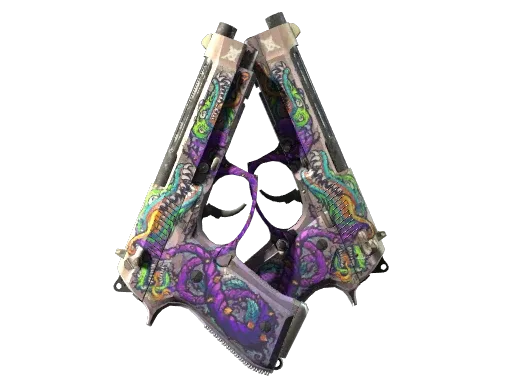
- Firstperson Dual Berettas could animate incorrectly while reloading
These are not headline features, but they are the kind of bugs that make the game feel rough when you notice them. Silent reload issues are especially distracting because they throw off the visual timing players rely on, whether they are spectating, holding an angle, or simply reading what their own model is doing.
Valve also changed death notices so clan tags now appear there. It is a small change, but a visible one. In pugs and community-heavy lobbies, it adds a bit more identity to the killfeed without changing gameplay.
For a patch that does not touch weapons, the economy, or the map pool, this one still covers a decent amount of ground. RUSH gets less downtime, the crosshair system gets clearer and more useful, and a few long-standing visual annoyances are gone. Not flashy, but solid.
Full changelog (Valve patch notes)
[ RUSH ]
-
Increased the maximum countdown-after-elimination time from 7 seconds to 14 seconds on end rooms and Convoy.
-
The countdown-after-elimination time does not activate in cases where an entire team dies to suicides, team kills, and/or disconnects.
-
Warmup time once all players have connected, freeze time, and technical timeout time are all reduced.
-
Various gap fixes and clipping adjustments. [ CROSSHAIR ]
-
Some additional information about the new crosshair system:
-
The new crosshair thickness and length units are in pixels. In the past, the values were defined with an arbitrary scale and converted to pixels based on display resolution so the same value would result in different pixel counts at different resolutions. With the new settings, if you want a 1-pixel wide crosshair with a bar length of 8 pixels and a gap of 4 pixels, then you would set: thickness = 1, length = 8, and gap = 4.
-
Please be aware that the new crosshair system automatically rescales pixel counts when the display resolution changes. For example, if a crosshair was configured at display resolution 1280x720 with a thickness of 2 pixels and then the display resolution changes to 2560x1440, it will now automatically rescale the thickness to 4 pixels so that it remains proportionally the same as when it was configured.
-
Added option to draw half-outlines. This will only draw the top-left portions of the outline for a crosshair.
-
Fixed a bug preventing 0 gap width from being respected.
-
Added a static square crosshair style
-
Reduced the minimum dynamic spread distance to 64 pixels. The new dynamic crosshair styles will show you the real weapon spread and inaccuracy and the 'Dynamic Spread Limit' setting is a limit on how far the crosshair will spread at maximum inaccuracy and spread. There is a baseline spread distance of 64 pixels which covers the weapons with the largest spread so that players can better understand how accurate they actually are with their equipped weapon. [ MISC ]
-
Fixed a case where left-handed viewmodels would animate incorrectly while silent reloading.
-
Fixed a case where thirdperson player models would animate too fast while silent reloading.
-
Fixed a case where firstperson Dual Berettas would animate incorrectly while reloading.
-
Clan tags now appear in death notices.