 Polski
 English
 Українська
 Deutsch
 Español
 Türkçe
 Português (BR)
 Français
 Čeština
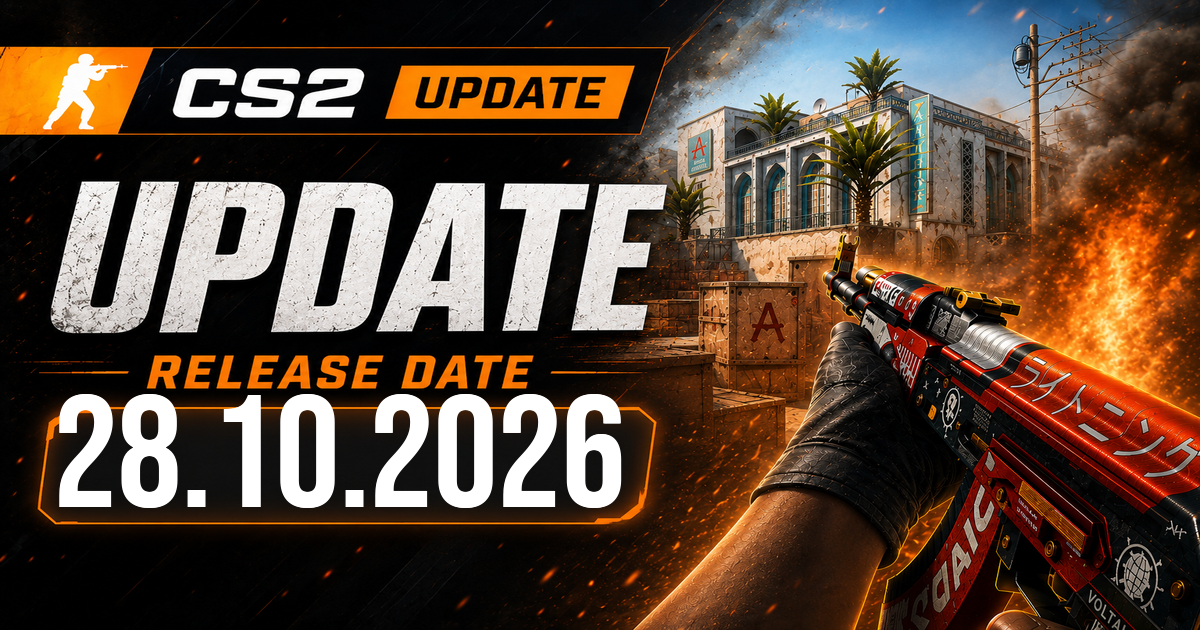

- The October 28 Counter-Strike 2 update gives players a choice between Hold and Toggle for Silent Reload Mode. It also fixes a reload sound that could give away a silent reload, an issue affecting liquid graphics on AMD cards, and bugs with demo playback.
Silent Reload Mode now has a toggle option
With Toggle selected, players can release the reload button after starting a silent reload. Pressing it again cancels the silent reload and switches to a fast reload. Hold remains available for players who prefer to keep the button pressed.
The Counter-Strike 2 patch also fixes several cases where the initial reload sound played even when a player had chosen a silent reload. That sound could reveal an action meant to stay quiet.
The update fixes graphics and demo issues
The update fixes an issue that made liquid appear black on AMD graphics cards. It also addresses sound and UI bugs that could occur when rewinding a demo.
Full changelog (Valve patch notes)
[ GAMEPLAY ]
-
Added an option to switch Silent Reload Mode between Hold and Toggle. With toggle enabled, once the silent reload starts you can let go of the reload button. To cancel a silent reload and go back to a fast reload, you can tap the reload button again.
-
Fixed various cases where the first sound of a reload was audible irrespective if a user requested a silent reload or not. [ MISC ]
-
Fixed a bug where liquid could render as black on AMD video cards
-
Fixed some sound and UI bugs when rewinding during demo playback